India Post GDS Photo Size, GDS Photo and Signature Resizer Online
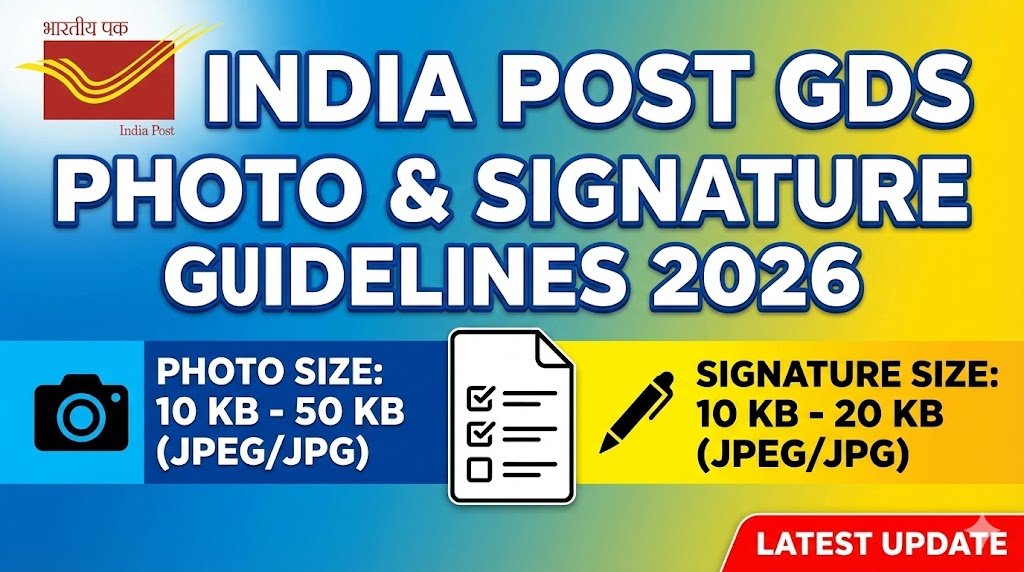
India Post GDS Photo Size: Applying for India Post Gramin Dak Sevak (GDS) Recruitment 2026 requires strict compliance with the photo and signature upload guidelines. Even minor mistakes in image size, format, clarity, or aspect ratio can lead to application rejection.
To help candidates avoid errors, this article explains the India Post GDS Photo and Signature Guidelines 2026 in a clear, structured, and easy-to-follow manner.
India Post has made it mandatory to upload correctly formatted photograph and signature images during the online application process. Incorrect uploads cannot be corrected after final submission.
Use Our GDS Photo & Signature Resizer Tool
Why Photo & Signature Guidelines Are Important
- Ensures standard identity verification
- Prevents technical rejection of the application
- Helps avoid permanent disqualification
- Final submission cannot be edited later
Candidates must carefully follow the GDS photo size, signature size, format, DPI, and aspect ratio rules.
Odisha Govt Job 2026 1,518 Forester, Forest Guard and Excise Constable Posts
India Post GDS Photo Guidelines 2026
Candidates must upload a recent and clear photograph that meets all technical specifications given below.
GDS Photograph Specifications
| Specification | Details |
|---|---|
| File Format | JPG / JPEG only |
| File Size | 30 KB – 100 KB |
| Image Dimensions | 320 × 400 pixels |
| Aspect Ratio | 4 : 5 (Width : Height) |
| Resolution (DPI) | 72 – 150 DPI |
| Background | Plain white or light-coloured |
| Face Coverage | 70% – 80% of image |
| Lighting | Clear, well-lit, no shadows |
| Photo Type | Recent, coloured photograph |
Important Photo Instructions
- Face must be centred and clearly visible
- No red-eye, blur, or shadows
- Do not upload selfies
- Do not upload scanned photographs
- Crop image strictly in 4:5 ratio (e.g., 320×400 or 240×300 px)
India Post GDS Signature Guidelines 2026
Applicants must upload a scanned handwritten signature. Typed or digital signatures are strictly not allowed.
GDS Signature Specifications
| Specification | Details |
|---|---|
| Written On | White paper |
| Ink Colour | Black or Blue pen |
| File Format | JPG / JPEG only |
| File Size | 20 KB – 100 KB |
| Image Dimensions | 300 × 120 pixels |
| Aspect Ratio | 5 : 2 (Width : Height) |
| Resolution (DPI) | 72 – 150 DPI |
| Background | Plain white |
| Signature Coverage | 70% – 80% of image |
Important Signature Instructions
- Signature must be clear and steady
- Avoid borders, shadows, or extra marks
- Crop strictly in 5:2 ratio
- Signature must fit fully inside the frame
- Typed or digital signatures are not accepted
India Post GDS Photo & Signature Upload Rules
Before final submission, candidates must carefully check the preview.
Mandatory Upload Checks
- ✔ Correct file size and format
- ✔ Proper aspect ratio and dimensions
- ✔ Clear preview without blur
- ✔ Face/signature fully visible
- ✔ No cropping issues
⚠️ Once submitted, changes are not allowed.
India Post GDS Online Form 2026 Registration Open for 28740 @indiapostgdsonline.gov.in
Common Reasons for GDS Photo or Signature Rejection
Applications are often rejected due to the following mistakes:
- Blurred or pixelated images
- Incorrect file size or format
- Wrong aspect ratio
- Shadows or background noise
- Scanned old photographs
- Selfies uploaded as photos
- Typed or digital signatures
- Signature too small or cropped
GDS Photo & Signature Specifications 2026 – Summary Table
| Specification | Photograph | Signature |
|---|---|---|
| Format | JPG / JPEG | JPG / JPEG |
| File Size | 30–100 KB | 20–100 KB |
| Dimensions | 320 × 400 px | 300 × 120 px |
| Aspect Ratio | 4 : 5 | 5 : 2 |
| DPI | 72 – 150 | 72 – 150 |
| Background | Plain white / light | Plain white |
| Coverage | Face 70–80% | Signature 70–80% |
Final Advice for GDS Applicants
- Upload fresh, high-quality images
- Follow exact size and ratio rules
- Always check the preview before final submission
- Keep original photo and signature files saved
- Read all instructions carefully before applying