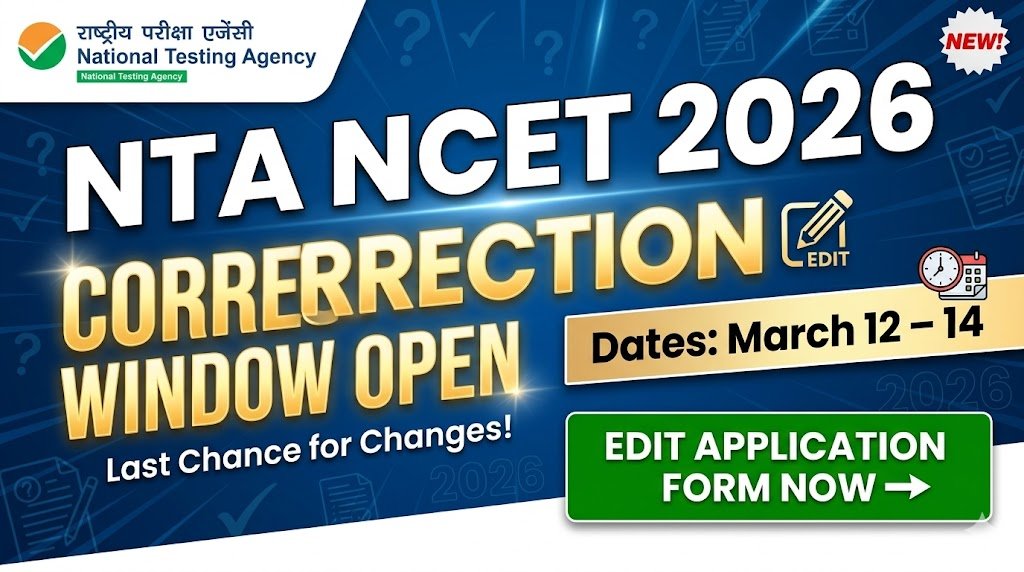
NTA NCET 2026 Correction Window Open: Edit Application Form from March 12 to 14
The National Testing Agency (NTA) has opened the NCET 2026 application correction window, allowing candidates to edit details in their submitted forms. The correction facility is available from March 12 to March 14, 2026 (until 11:50 PM) on the official portal.
Candidates who have successfully submitted their NCET 2026 application form for the 4-Year Integrated Teacher Education Programme (ITEP) can make necessary corrections during this limited window.
Applicants should review their forms carefully because only certain fields are editable, and some modifications may require additional fee payment.
NCET 2026 Correction Window – Key Details
| Aspect | Details |
|---|---|
| Conducting Body | National Testing Agency (NTA) |
| Exam Name | National Common Entrance Test (NCET) 2026 |
| Course | 4-Year Integrated Teacher Education Programme (ITEP) |
| Correction Window | March 12 – March 14, 2026 |
| Last Time to Edit | 11:50 PM on March 14 |
| Official Website | exams.nta.nic.in/NCET |
| Mode of Correction | Online |
Who Can Edit the NCET 2026 Application Form?
Candidates who successfully registered and paid the application fee before March 11, 2026 are eligible to use the correction facility.
To edit the form, candidates must have:
- Application Number
- Password or Date of Birth (DOB)
Once corrections are submitted, no further changes will be allowed after March 14, 2026.
Editable Fields in NCET 2026 Application Form
The NTA allows candidates to modify certain personal and academic details.
Editable Details
- Candidate’s Name
- Father’s Name / Mother’s Name
- Class 10 or Equivalent Details
- Class 12 or Equivalent Details
- Date of Birth
- Exam Centre Preferences
- Subject / Test Paper Selection
- University / Programme / Course Choices
Non-Editable Fields
Some core registration details remain locked and cannot be changed. These may include:
- Registered Email ID
- Mobile Number
- Certain basic registration details
Candidates should check the official notice PDF for the complete list of editable and non-editable fields.
How to Edit NCET 2026 Application Form
Follow these steps to correct your application form:
- Visit the official NCET portal: https://exams.nta.nic.in/NCET/
- Click on the link “NCET 2026 Application Form Correction”.
- Log in using your Application Number and Password / Date of Birth.
- Select “Edit Application Form”.
- Update the required details in the editable fields.
- Review all changes carefully.
- Pay any additional fee if required.
- Submit the corrected form and download the confirmation page.
Candidates are advised to save a copy or screenshot of the corrected form for future reference.
Important Instructions for Candidates
- Verify all details carefully before final submission.
- Any fee applicable for changes must be paid online.
- Avoid waiting until the last day due to possible heavy website traffic.
- Download the updated confirmation page after submitting corrections.